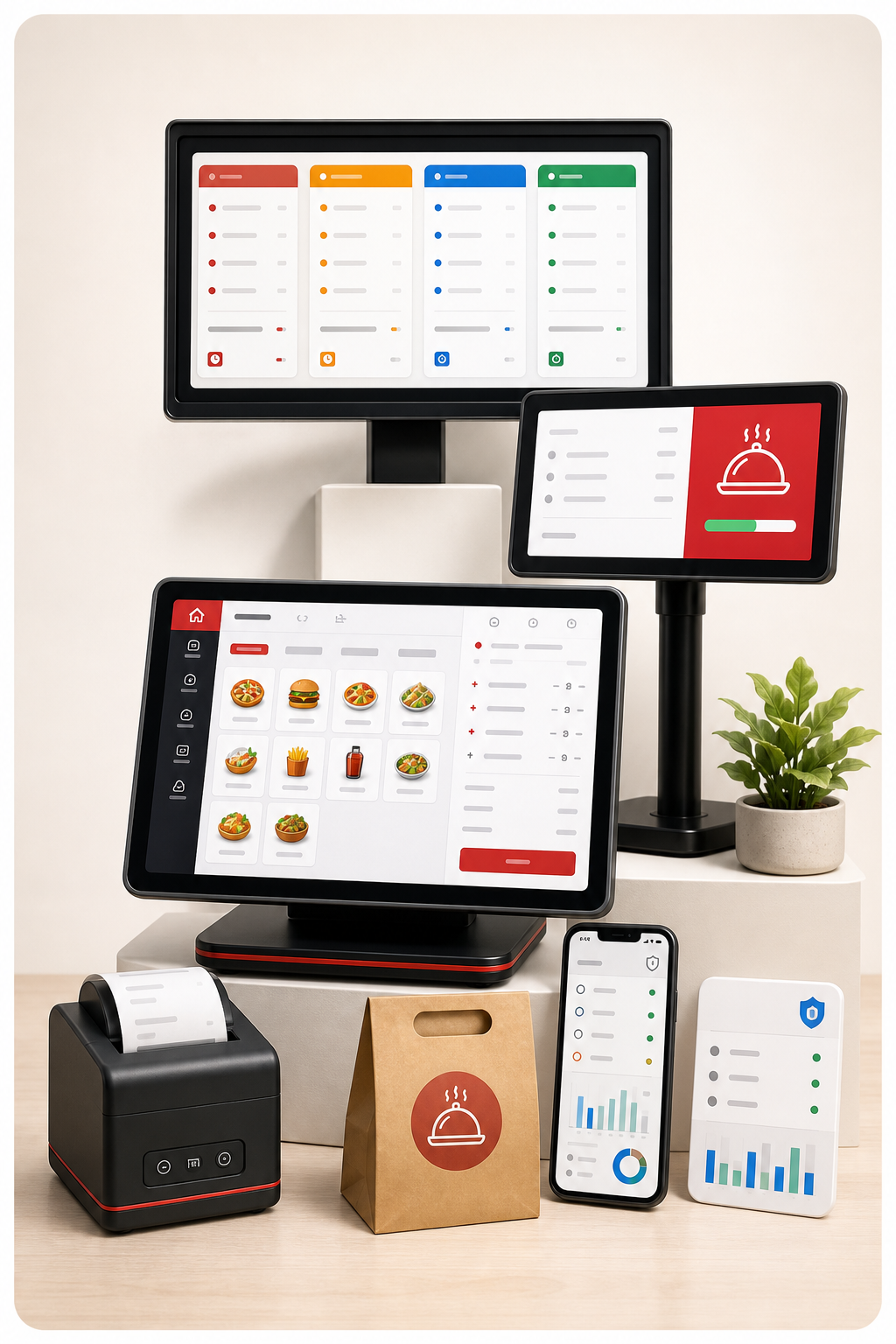
Fast POS billing
Create parcel, dine-in and custom orders quickly with GST, discount, split payment and customer details.

Billexa brings restaurant billing, GST invoices, KOT, kitchen displays and table management into one platform. Manage dine-in and takeaway orders, offline billing, staff permissions, stores and departments from one place.
Handle fast billing at the counter, running tables in sitting departments, kitchen preparation, customer-facing screens and secure device access without slowing down staff.
Create parcel, dine-in and custom orders quickly with GST, discount, split payment and customer details.
Send orders to the right kitchen screen by department or item mapping, with priority for running tables.
Show live cart items, quantity updates, customer information and checkout totals on a separate screen.
Manage sitting areas, AC halls, family halls, stores, tables, menus and department-specific settings.
Approve, block or remove devices per company while keeping offline billing available when needed.
Keep orders moving during internet interruptions and synchronize offline orders when the connection returns.
Staff can create orders from the POS app, kitchen teams can follow preparation, and customers can see clear item and payment information on a separate display.
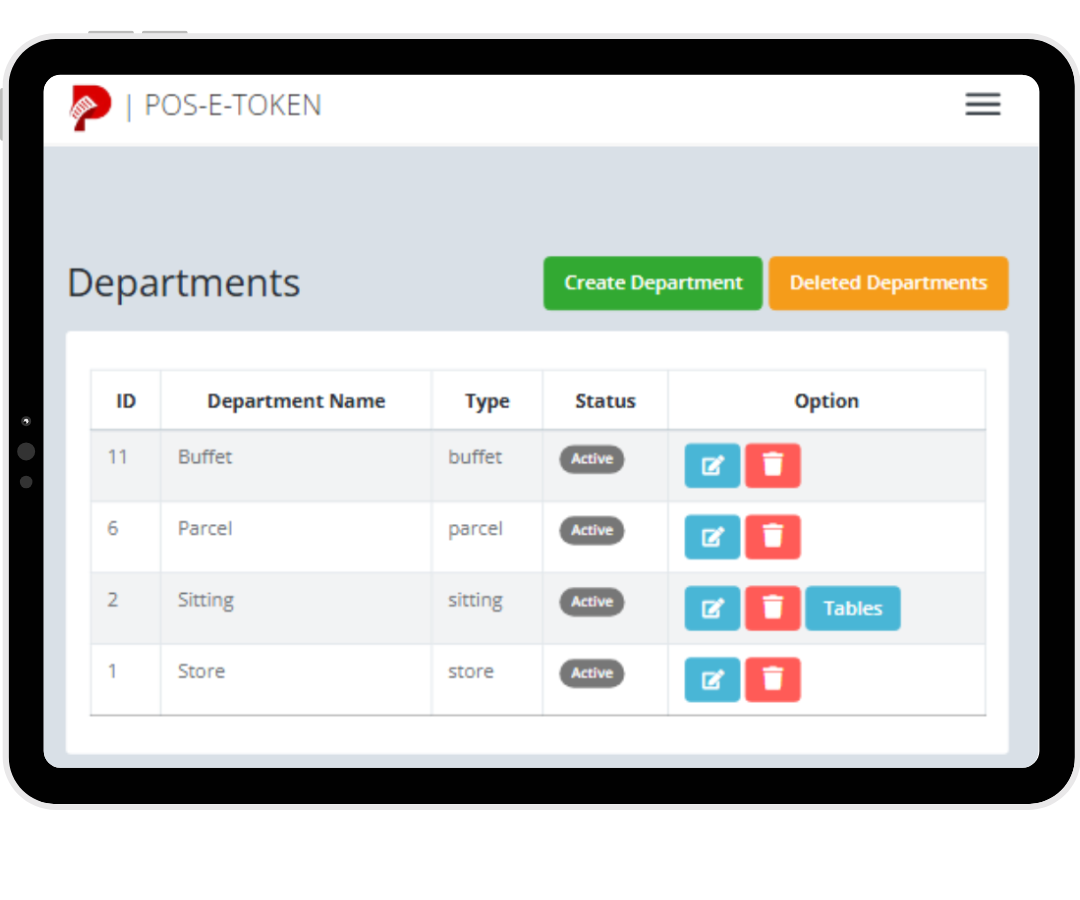
Select department, table or parcel flow and add items from the current menu.
Route items by department, category, item mapping or printer configuration.
Display customer name, mobile number, cart items, quantities and total clearly.
Accept cash, online or split payments with GST and customer details when required.
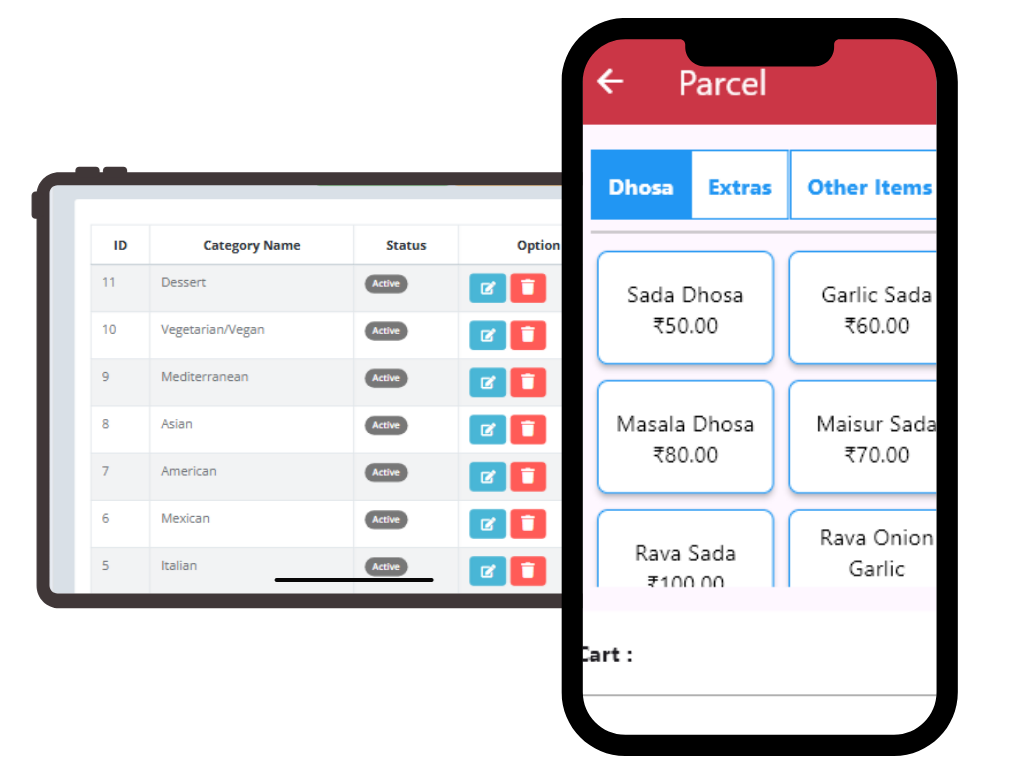
Organize menu categories and keep department mappings clean.
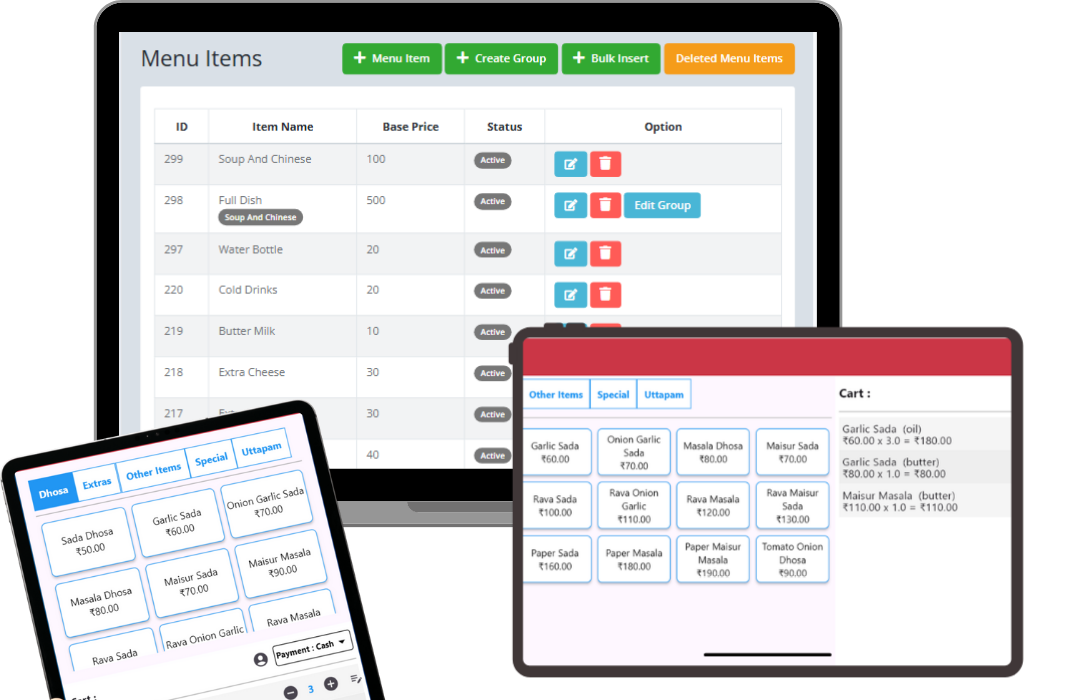
Manage items, rates, variants, taxes and kitchen routing rules.
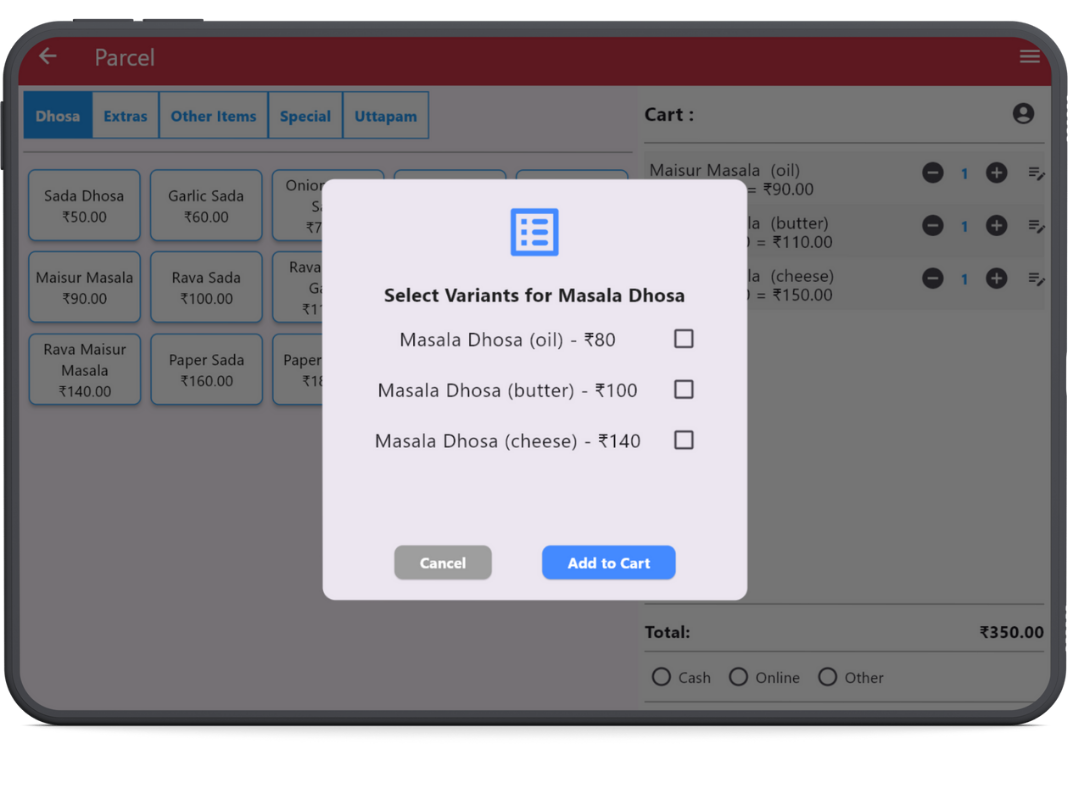
Set multiple prices and variants for dine-in, parcel and other order types.
Book a free demo and see how POS billing, kitchen display, customer display, stores, departments, device control and offline sync fit your restaurant.
© 2026 Billexa. All rights reserved.